What Is UTC? The Time Standard That Keeps the World in Sync
UTC stands for Coordinated Universal Time. It's the global time standard used in servers, APIs, and aviation. Here's how it works and why it matters.
- UTC
- time zones
- GMT
- ISO 8601
- time standards


UTC appears everywhere once you start looking: server logs, API responses, flight schedules, weather data, and scientific publications all use it. Most people have seen the abbreviation without giving it much thought. Understanding what UTC actually is — and why it replaced the older GMT standard — makes time zone math considerably less confusing.
UTC Stands for Coordinated Universal Time
UTC is Coordinated Universal Time, the primary time standard by which the world regulates clocks and schedules. It has no daylight saving offset — it runs at a constant, unvarying rate year-round, regardless of geography or season.
The name carries an odd quirk: the English abbreviation would logically be CUT, and the French abbreviation (Temps Universel Coordonné) would be TUC. The agreed compromise was UTC, which belongs fully to neither language. This was an intentional choice to give no single language priority.
Before UTC: Local Mean Time and the Chaos of Early Timekeeping
Before coordinated time standards, every city used its own local mean time — solar noon in London was 12:00 in London, solar noon in Paris was 12:00 in Paris, and they differed by about 9 minutes and 21 seconds. This worked fine when travel was slow, but the expansion of railways in the 19th century made the patchwork of local times a serious operational problem.
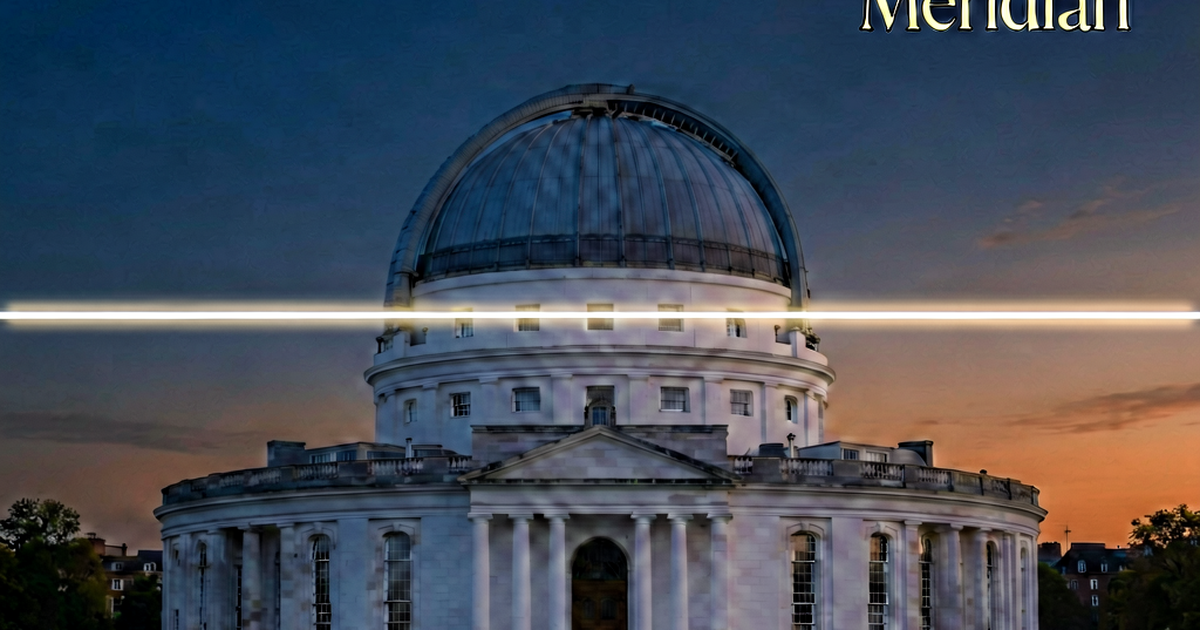
Railway timetables couldn’t function reliably when each station kept its own time. Britain standardized on Greenwich Mean Time (GMT) — the time at the Royal Observatory in Greenwich, London — across its rail network in the 1840s, and the practice gradually spread. The International Meridian Conference in 1884 formalized the Prime Meridian at Greenwich and established GMT as the basis for global time zones.
By the 20th century, atomic timekeeping had advanced to the point where a more precise standard was needed. UTC was introduced in 1960 and has been refined since. It’s based on International Atomic Time (TAI), adjusted periodically by “leap seconds” to stay within 0.9 seconds of mean solar time.
UTC vs GMT: What’s the Difference?
GMT and UTC are often used interchangeably in casual conversation, and for everyday purposes the difference rarely matters. Both refer to the time at the Prime Meridian with no offset. But there is a technical distinction.
GMT is a time zone — it refers to the mean solar time at the Greenwich Meridian. It can technically vary by fractions of a second as Earth’s rotation fluctuates slightly. UTC is an atomic time standard that stays constant regardless of Earth’s rotation, adjusted only via scheduled leap seconds.
In practice: your computer, your phone, your server, and virtually every piece of modern software uses UTC internally, not GMT. When you see “GMT” on a website or in a weather app, it’s usually displaying UTC without bothering to make the distinction. For any technical or software context, use UTC explicitly.
Countries that are UTC+0 year-round (like Iceland) or during winter (like the UK and Portugal) are often described as being in the “GMT zone” colloquially, but again, what they’re actually aligned to is UTC+0.
UTC Offsets
Every time zone in the world is defined as an offset from UTC — either ahead of UTC (UTC+) or behind UTC (UTC-). The offsets are typically in whole hours, but a handful of time zones use half-hour or quarter-hour offsets.
Examples:
- UTC+0: Iceland, parts of West Africa (year-round), UK and Ireland in winter
- UTC-5: US Eastern Standard Time (EST), Colombia, Peru
- UTC-4: US Eastern Daylight Time (EDT), Atlantic Standard Time (Canada)
- UTC+1: Central European Time (most of continental Europe in winter)
- UTC+5:30: India Standard Time (IST) — a half-hour offset
- UTC+5:45: Nepal Standard Time (NPT) — a quarter-hour offset, one of the few in the world
- UTC+8: China Standard Time, Singapore, Malaysia, Philippines
- UTC+9: Japan Standard Time, Korea Standard Time
- UTC+12: New Zealand Standard Time (with NZDT becoming UTC+13 in summer)
Daylight saving time shifts a region’s effective offset by one hour seasonally. A region at UTC-5 in winter moves to UTC-4 in summer. UTC itself doesn’t change — only the local offset does.
Why UTC Is Used in Servers, Logs, and APIs
Servers and databases store timestamps in UTC for a straightforward reason: UTC has no ambiguity. When daylight saving ends and clocks fall back, local time experiences a repeated hour — 1:00 AM to 2:00 AM happens twice. If a server log timestamps events in local time during that window, you can’t tell from the timestamp alone whether an event happened in the first or second pass through that hour.
UTC eliminates this entirely. Every UTC timestamp is unique and unambiguous. When displaying time to a user, the application converts from UTC to the user’s local time zone — but the underlying data remains in UTC.
APIs that return timestamps in UTC almost always express them in ISO 8601 format.
Reading ISO 8601 Timestamps
ISO 8601 is the international standard for representing dates and times as strings. A UTC timestamp in ISO 8601 format looks like this:
2026-04-25T14:30:00ZBreaking it down:
2026-04-25— the date (year-month-day)T— separator between date and time14:30:00— the time (hour:minute:second in 24-hour format)Z— “Zulu,” indicating the time is in UTC
If the timestamp has an offset instead of Z, it looks like:
2026-04-25T09:30:00-05:00This means the time is 9:30 AM at UTC-5. Both formats represent the same moment — 14:30:00 UTC.
When you encounter an ISO 8601 timestamp with a Z suffix in an API response or log file, it’s always UTC. Apply your local offset to convert it to your timezone.
Using a World Clock to Work With UTC
The easiest way to work with UTC practically is to use a world clock that shows UTC alongside your local cities. worldclock.io lets you display UTC as one of your tracked zones — so when you’re checking what time a server event occurred, or verifying the exact moment of a scheduled job, you can see exactly where that UTC time falls in your day and the day of any international colleagues.
UTC isn’t just a technical curiosity for developers. It’s the common reference point that makes international scheduling, flight times, scientific data, and coordinated systems reliable. Once you have a mental model of your local UTC offset, the rest of time zone math becomes much more manageable.
Related reading
-
EST vs EDT: What's the Difference and When Does Each Apply?
EST is UTC-5 and EDT is UTC-4. The switch happens twice a year with daylight saving time. Here's what each abbreviation means and why the distinction matters.
-
How to Schedule Meetings Across Time Zones Without the Confusion
Time zone math is error-prone. Here's a practical system for scheduling meetings with remote and international teams — including DST traps and overlap strategies.
-
Daylight Saving Time Explained: Why It Exists and How It Works
Daylight saving time shifts clocks forward in spring and back in fall. Here's the real history, which countries use it, and why software engineers dread it.